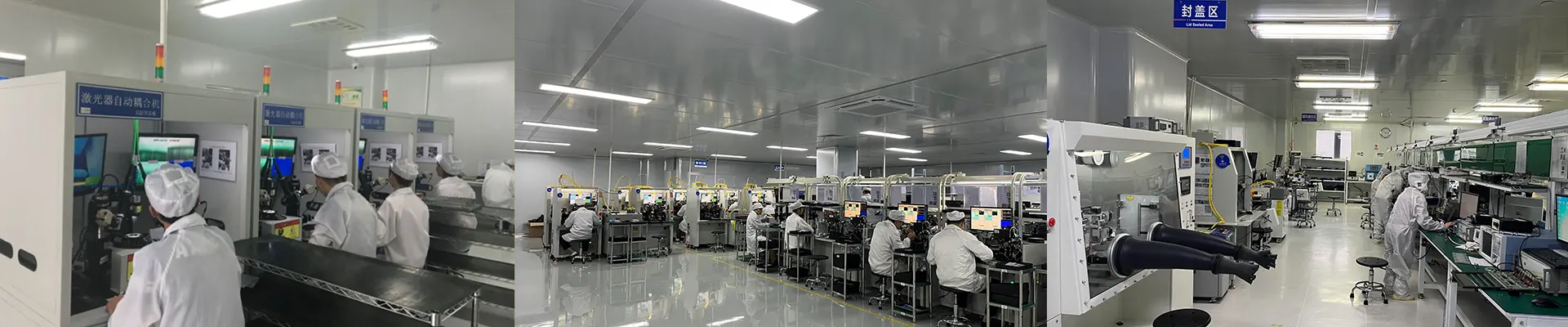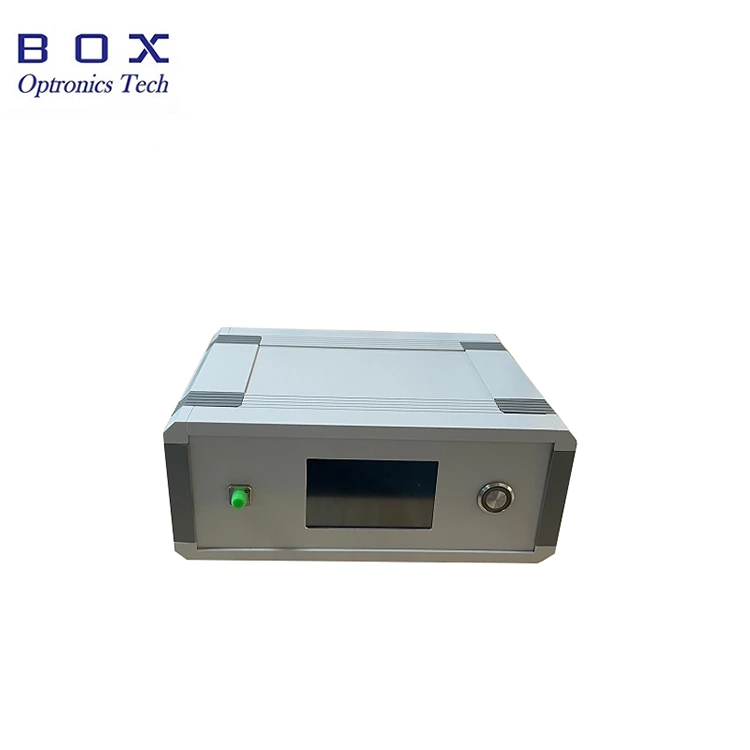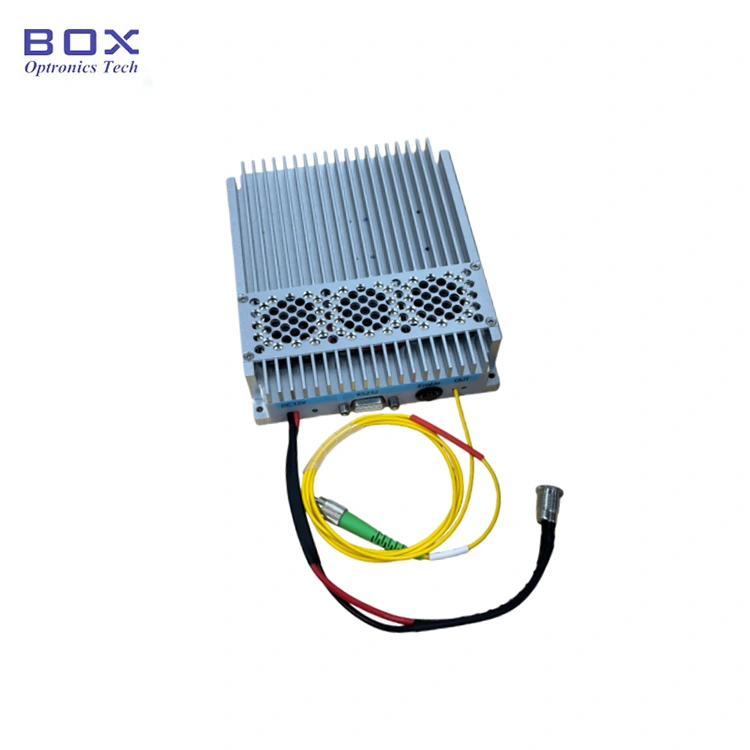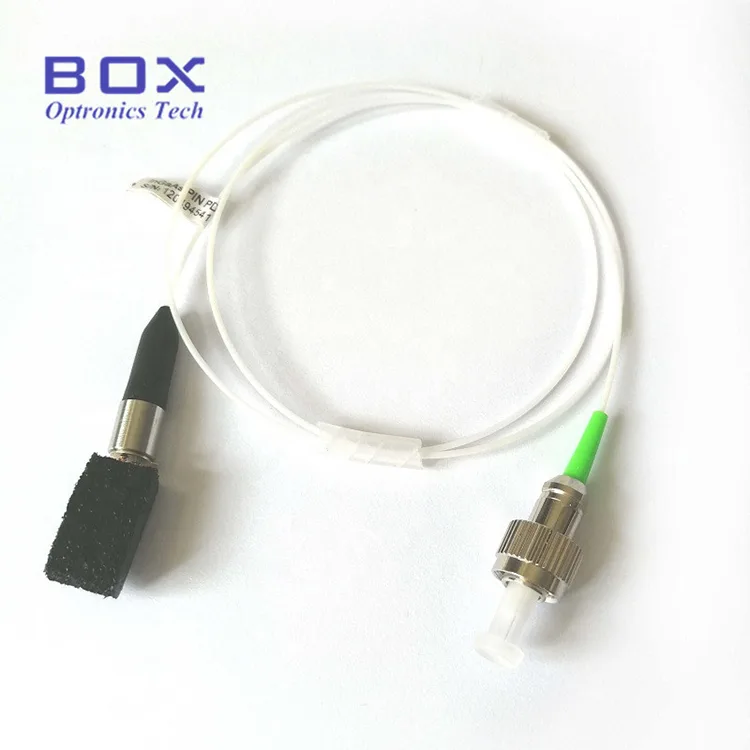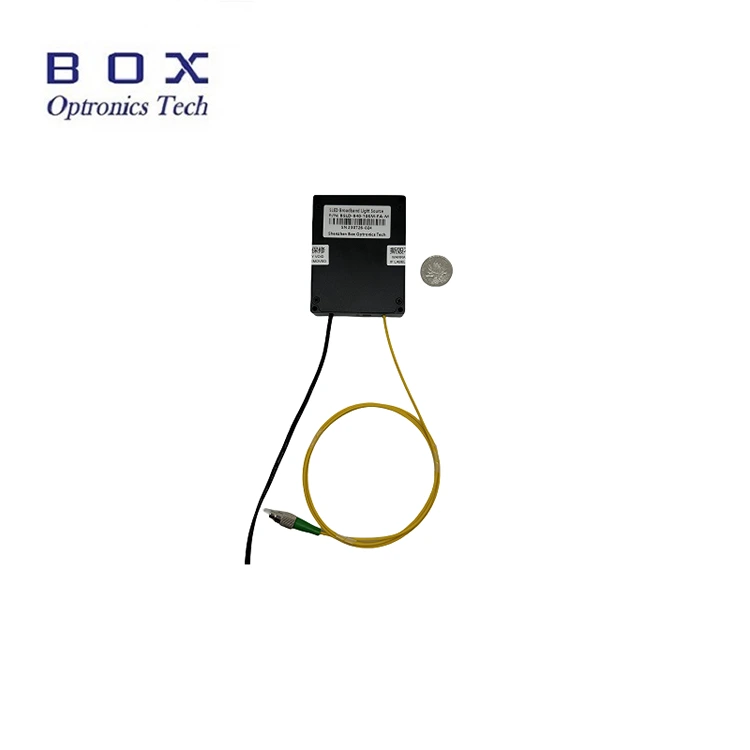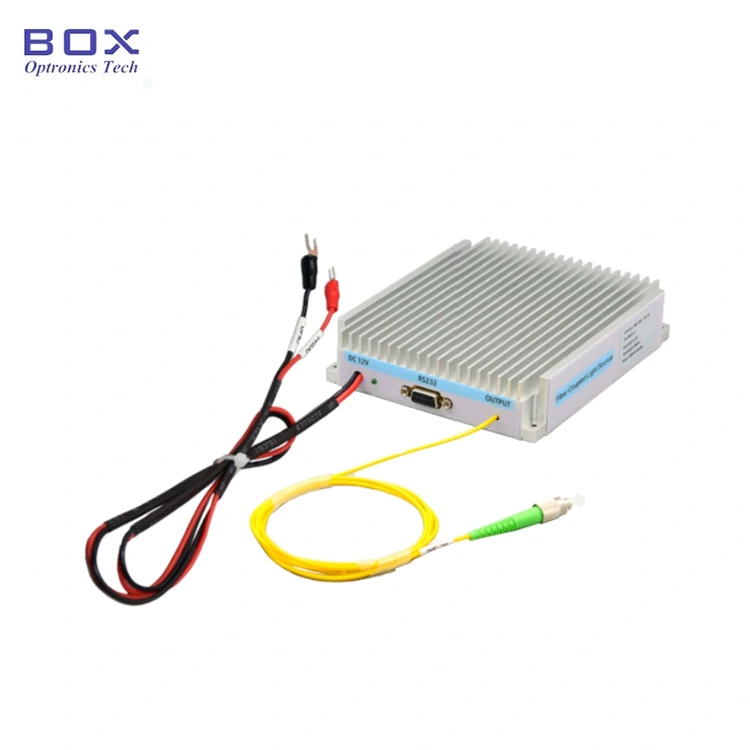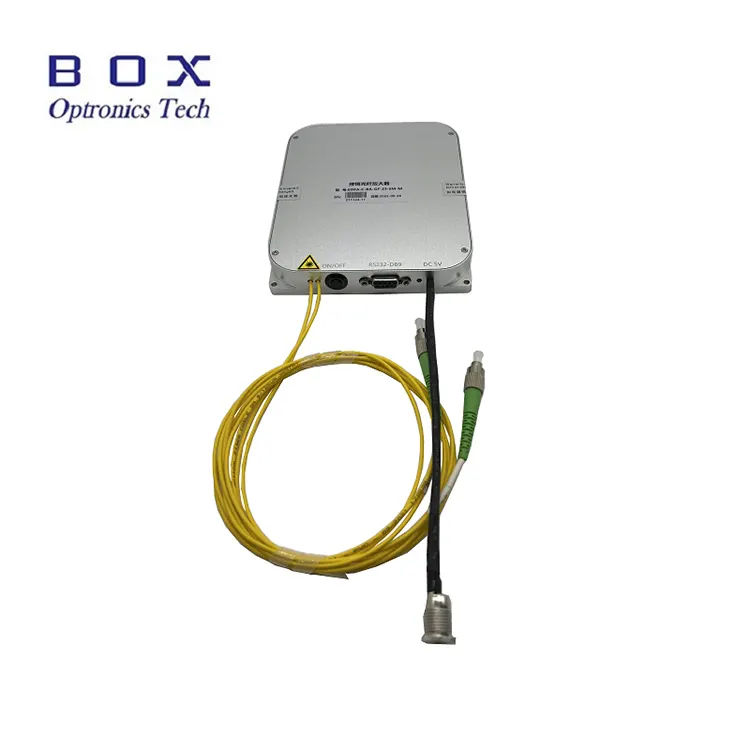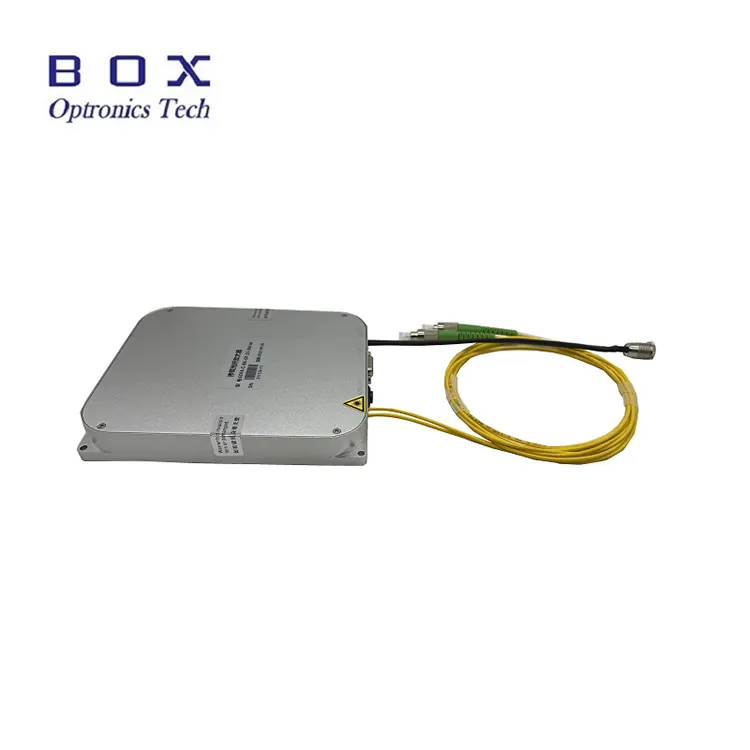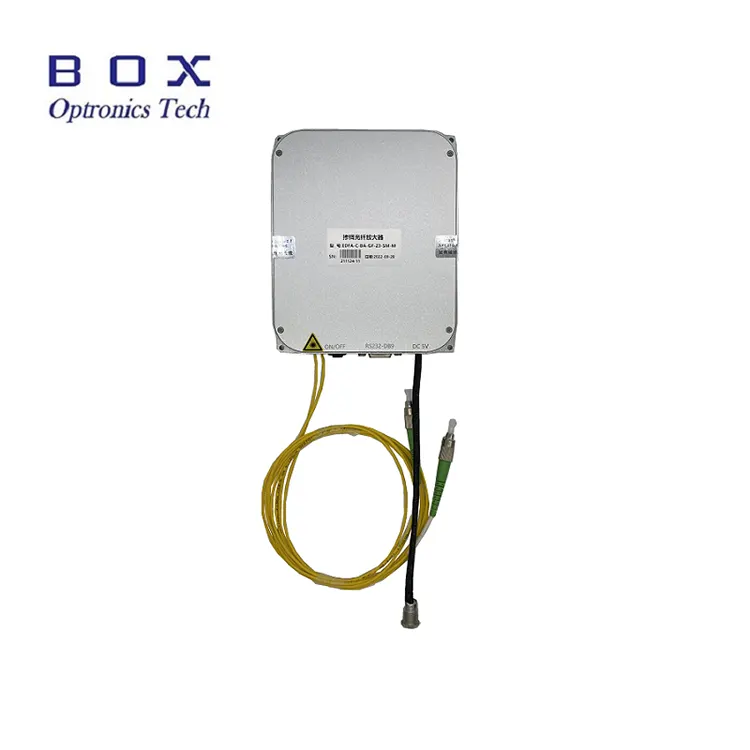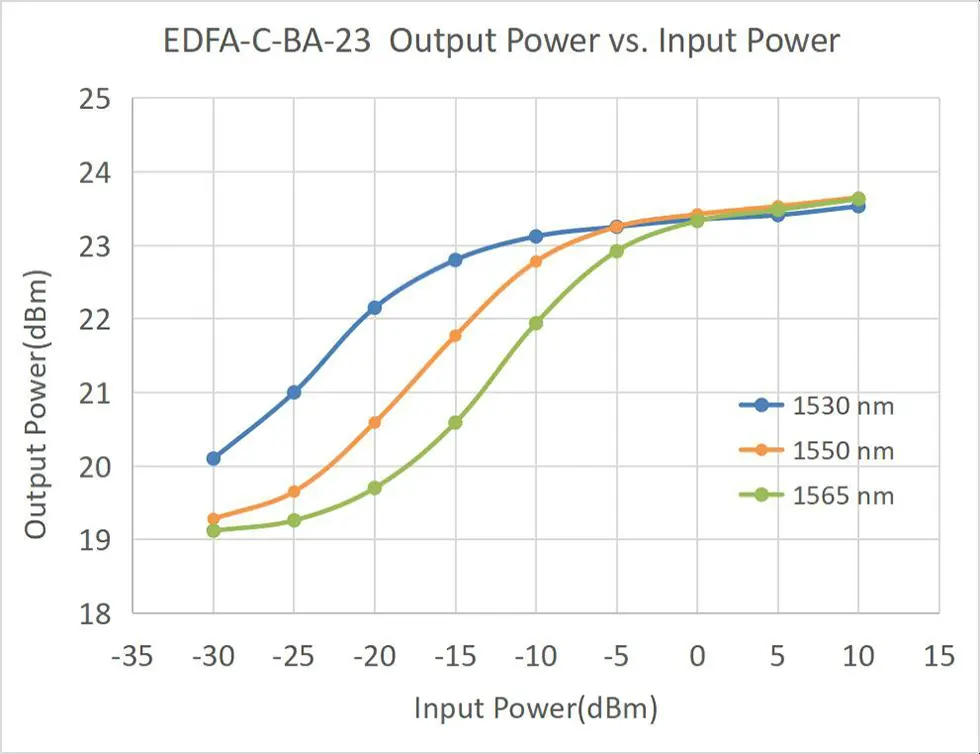
Box Optronics is a professional Chinese manufacturer focusing on the R&D, manufacturing, and sales of C-band Erbium-doped Fiber Booster Amplifier. We possess large-scale delivery capabilities, and our products, characterized by excellent output stability and high cost-effectiveness, have won widespread recognition from customers worldwide. Currently, our products are exported to Europe, America, and many other countries and regions, and are widely used in optical fiber communication, CATV, optical sensing, and scientific research fields. We look forward to establishing a cooperative relationship with you.
1. Introduction of the
C-band Erbium-doped Fiber Booster Amplifier
2. Technical Specifications
3. Product Features
4. Typical Applications
5. Product details
6. Ordering Information
7. Datasheet and testsheet
8. Terms of quote and
payment
9. Lead time
10. Operation steps
11. Operation Notes and
Maintenance
12. Quality Assurance and
After-Sales Service
Product Introduction
C-band Erbium-doped Fiber Booster Amplifiers are
designed for applications in optical communication, fiber optic sensing, CATV,
and laboratory research. They feature a wide wavelength range, high power, and
low noise, with both ACC and APC operating modes. A communication serial port
and power cable are provided for plug-and-play operation. Commands are
available for easy integration into customer systems. Multiple output power
settings from 15 to 26 dBm are available, with single-mode and
polarization-maintaining fiber options. A one-year warranty is included. When
using these modules, ensure the fiber end face is clean, be aware of laser
input limitations, and take necessary laser safety precautions.
Product
Specifications
Parameters
Unit
Values
Notes
Wavelength range
nm
1530~1565
C-band
Input power
dBm
-6~+3
Output power
dBm
15
17
20
23
25
26
@-3dBm Input
Noise figure
dB
≤5.0
PDG
dB
≤0.3
PMD
ps
≤0.5
Input/Output isolation
dB
≥35
Power monitor
dB
Output power
Operating mode
-
ACC/APC
Pigtail fiber
-
SMF-28
FC/APC
Communication interface
-
Touch screen/DB9
Female(RS232)
Benchtop
-
DB9 Female(RS232)
Module
Power supply
-
AC 110~240V, <30W
Benchtop
-
DC 5V, <15W
Module
Dimensions
mm
260(W)×280(D)×120(H)
Benchtop
150(W)×125(D)×20(H)
Module
(15~20dBm):70(W)×90(D)×15(H)
Module
Operating temperature
℃
-5 ~ +55
Operating humidity
℃
0~70%
Product Features
●
Wide wavelength range;
●
High
output power;
●
Low noise;
●
DB9
Female(RS232) communications for easy integration.
If you have a DHL/ UPS/ FedEx account, Box Optronics suggest using
the EXW. We ship via your account; we don't charge the shipping cost.
(2) DAP:
If you don't have an account, please prepay the shipping cost for
the products.
● Terms of payment
PayPal and T/T are available.
Lead time
It takes around 10-15working days for production. (If there are some in stock, it will be faster
shipped.)
The international logistics might take 3-5 working days.
Operation
Steps
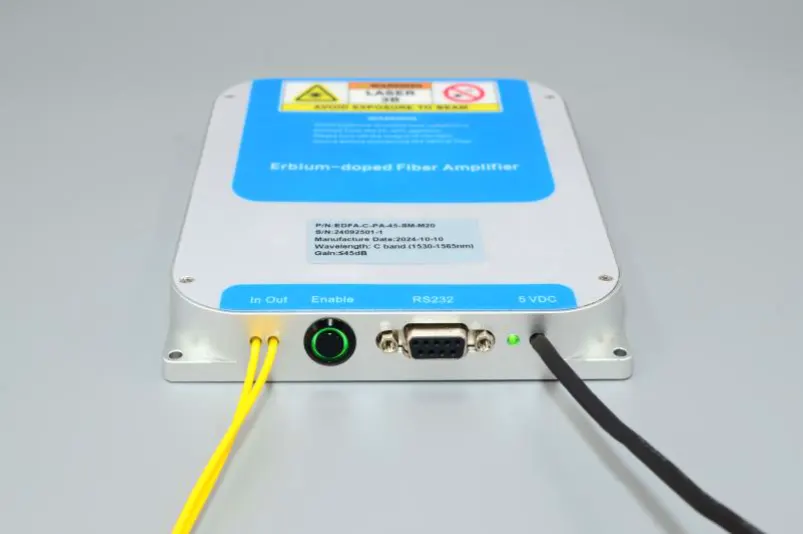
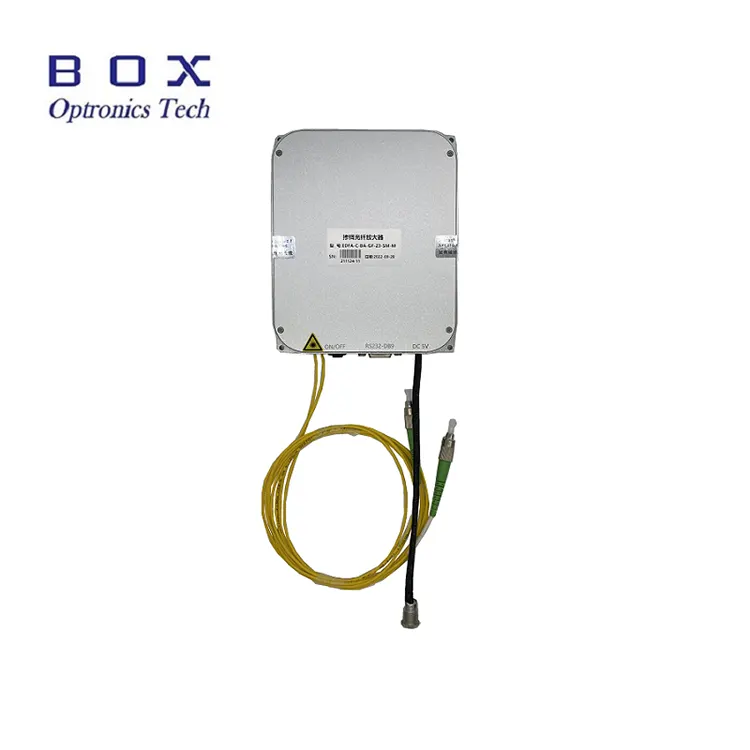
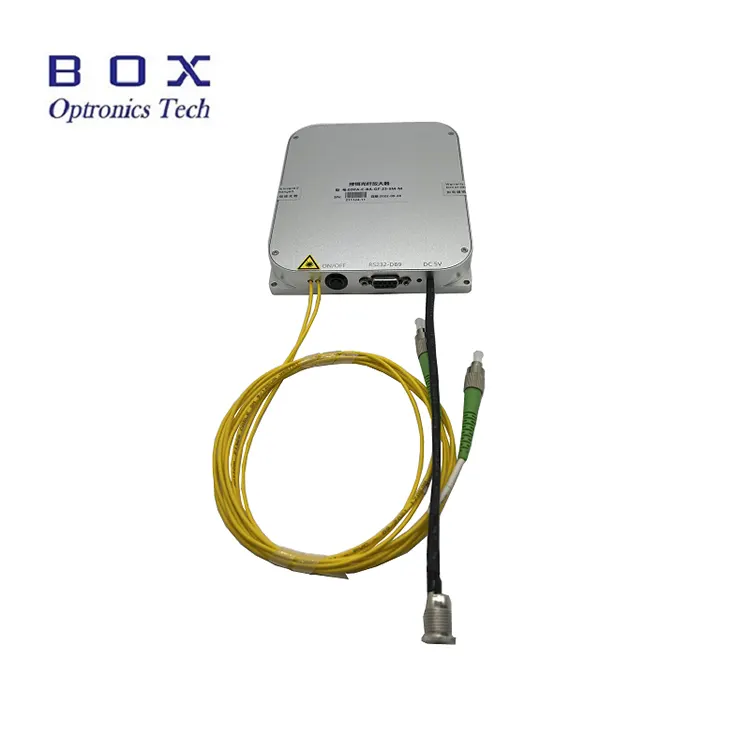
Step1.Appearance:The front side
of the EDFA is sequentially equipped with input and output optical fibers, an
optical amplification output activation switch, a host computer communication
interface (default RS232 DB9), a power indicator light, and a power cord
(default DC 5V).
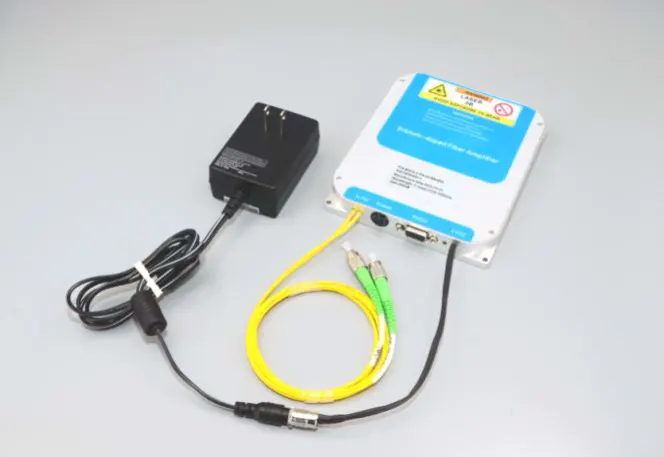
Step2.Power Supply:The power
port is the default DC5.5×2.1mm power
interface, and a matching DC5V DC power adapter will be provided when the
product leaves the factory. The connection method between the power adapter and
the EDFA module is shown in the figure below. Please be sure to use the
original matching power adapter. Using an inappropriate power adapter will
cause the EDFA to fail to work properly or damage the EDFA. A U-shaped
connector power supply line can also be provided for users to connect to a
switching power supply, but it should be proposed in advance during procurement.
Step3.Connecting Fiber Jumpers:Open
the dust cap of the optical fiber connector, check the fiber end face, and
confirm that there is no pollution and damage before connecting other optical
fiber devices or testing equipment. For the output fiber of the high-power EDFA
model, it is recommended to use the fusion splicing method for connection.
Setp4.Heat Dissipation:This
erbium-doped fiber amplifier module generates a certain amount of heat. The
bottom surface of the amplifier (the side without text) should be in close
contact with the heat sink, heat dissipation fin, or the metal surface at the
bottom of the user's chassis. Appropriate air cooling is recommended to achieve
a good heat dissipation effect. The recommended optimum working environment
temperature is -5 ~ +35℃. When the
ambient temperature exceeds 50℃, the
amplifier in the standby state will not start. When the ambient temperature
exceeds 55℃, the
amplifier in working state will automatically stop laser output and enter
standby state for self-protection. When the ambient temperature drops to 50℃, the amplifier will automatically resume output.
Step5.Input Optical Power:This erbium-doped fiber amplifier has no threshold
requirement for the input optical signal power. When the average power of the
input optical signal is reduced to near zero power, the amplifier will still
maintain the working state, and the output port will have spontaneous emission
output. However, to obtain a more ideal amplification effect and signal-to-noise
ratio, it is recommended to control the input optical power within the power
range described in the test sheet or product specification.
Step6.Host Computer Control: This amplifier is a modular product and needs to
be combined with dedicated host computer software to adjust and monitor the
working state and operating parameters of the EDFA. The user's computer needs
to install the USB-232 serial port driver program and EDFA host computer
control software provided by our company. The USB-232 serial port driver
program must be installed, otherwise the host computer software cannot connect
and communicate with the EDFA module normally. It should be noted that the
USB-232 serial port driver program should be consistent with the actual USB-232
serial port cable used. The software version number of the EDFA host computer
software should be consistent with the software version number recorded on the
product test sheet.
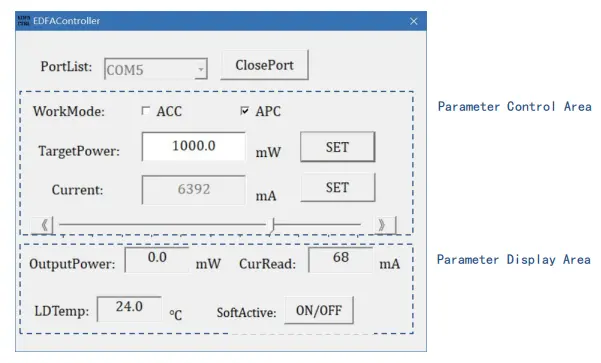
Step7. Host Computer Software Interface:The information that can be displayed by the host computer software includes
the amplifier working mode, output optical power target value, pump laser
current target value, and temperature monitoring status.
Step8. Specific Operation:After
starting the host computer software, first select the correct serial port
number in the serial port sequence PortList, click the OpenPort button to open
the serial port. At this time, the Current Read and LDTemp windows will display
the working current and pump temperature of the module. Enter the target
optical power value in the TargetPower window and click the SET button. When
the button switch of the EDFA module and the SoftActive button switch on the
software are both turned on, the setting takes effect and the EDFA has optical
power output.
Step9. Control Mode:The standard model
of this fiber amplifier supports two working modes, automatic current control
mode (ACC mode) and automatic power control mode (APC mode). You can switch
between these two working modes through the WorkMode option. When switching,
please note to turn off the Active button switch first. (* Some amplifier
models only support ACC mode, such as EDFA-C-PA). In ACC mode, enter the pump
current value in the Current window and click the SET button, or directly drag
the left and right sliders to set the pump current value. In APC mode, enter
the target optical power value in the TargetPower window and click the SET
button.
Step10. Output Activation:When the
Enable button switch on the front of the module and the SoftActive button
switch on the software are both turned on, the setting takes effect and the
amplifier has laser output, and the LASER indicator light is on. The ON/OFF
button will be displayed in red. The OutputPower in the parameter monitoring
area shows the current actual output optical power, CurRead shows the current
pump current, and LDTemp shows the internal temperature.
Step11. Shutdown:First turn off the
ON/OFF button switch on the side of the amplifier and the SoftActive button
switch on the software, click ClosePort to close the serial port, and then
close the software.
Step12. Parameter Memory:The mode and
parameters set by the control software will be automatically saved inside the
EDFA module and have the function of power-off memory. If there is no need to
modify the EDFA parameters, it is not necessary to connect to the host computer
when using it again.
Operation Notes and
Maintenance
● When starting up, first confirm that the power switch and key switch
are turned off, and then connect the power supply. When shutting down, first
turn off the key switch, and then disconnect the power supply after the output
indicator light goes out. Do not directly cut off the power supply when the
EDFA is working.
● It is not recommended to frequently insert and unplug the output
fiber connectors to avoid dust contamination, which may lead to increased
insertion loss or burning of the fiber connector end face.
● Clean fiber connectors with a lint-free wipe and inspect with a
fiber end-face detector before connection. Always connect/disconnect fibers
without power to avoid end-face burning. The fiber optic connectors must be
covered with dust caps.
● If the output fiber needs to be connected to another fiber, it is
recommended to use a fusion splicer.
● Please take precautions against moisture, dust, and corrosion; store
in a dry place.
Quality Assurance and
After-Sales Service
● Warranty Period:
Free repair or replacement for non-human-induced defects within 1
year from purchase. Paid maintenance services available after 1 year.
● Exclusions from Free Warranty:
During the free warranty period, free repair or replacement services
will be provided for faults caused by product quality issues. However, Box
Optronics retains the right to refuse free repair services in the following
cases within the warranty period:
(1) Damage caused by natural factors (e.g., lightning, dust) or
environmental influences.
(2) Malfunctions due to improper operation by the user.
(3) Obvious physical damage caused by human error.
(4) Unauthorized disassembly, modification, or repair.
(5) Altered or incomplete warranty labels on the housing.
(6) Damage or loss during transportation.
Hot Tags: China C-band Erbium-doped Fiber Booster Amplifier Manufacturer, Supplier, Factory
Looking for competitive pricing on bulk orders? Send an inquiry to Box Optronics for high-performance DFB lasers, SLEDs, and PM fiber devices. Get a professional price quotation within 24 hours.
We use cookies to offer you a better browsing experience, analyze site traffic and personalize content. By using this site, you agree to our use of cookies.
Privacy Policy